How to download Emirates flight confirmation – How to download Emirates flight confirmation
1. Visit the Emirates website
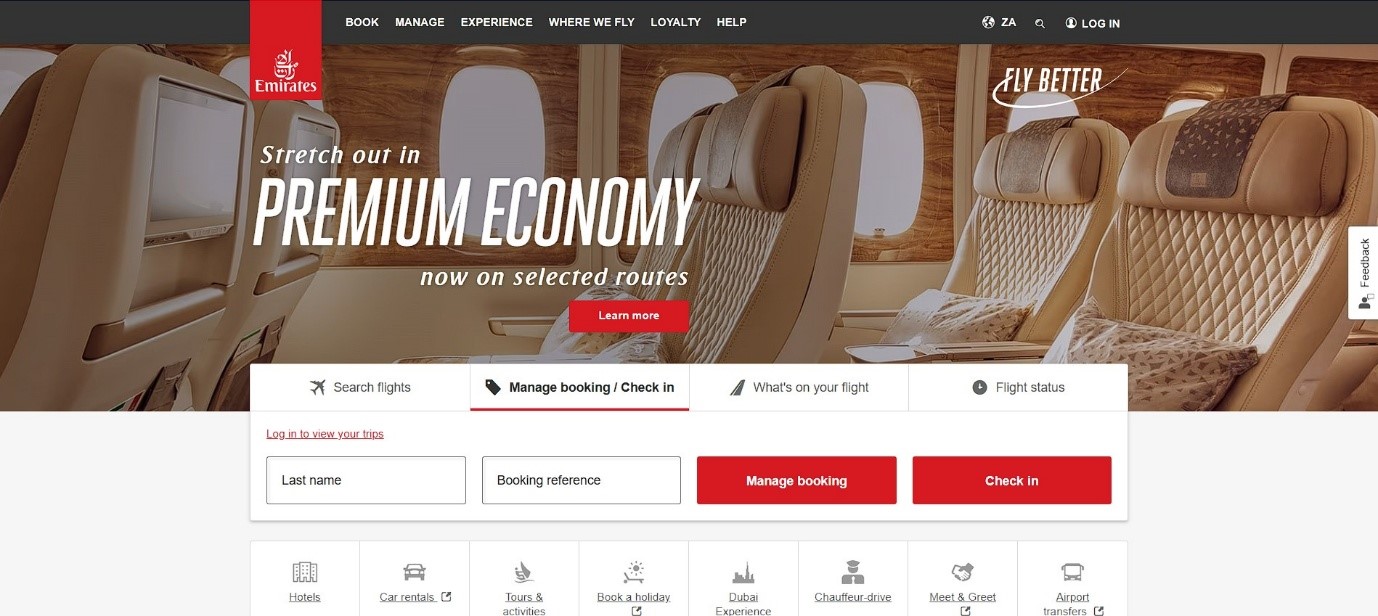
2. Click on Manage booking/Check in
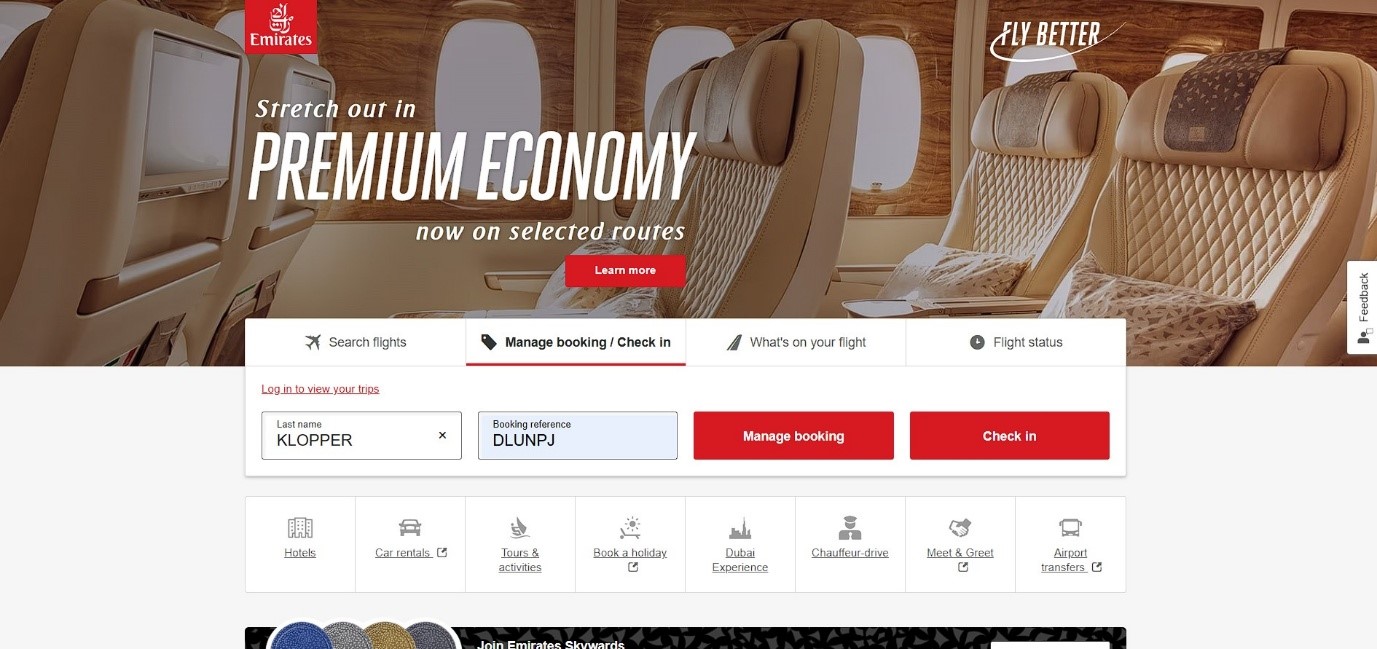
3. Input booking reference
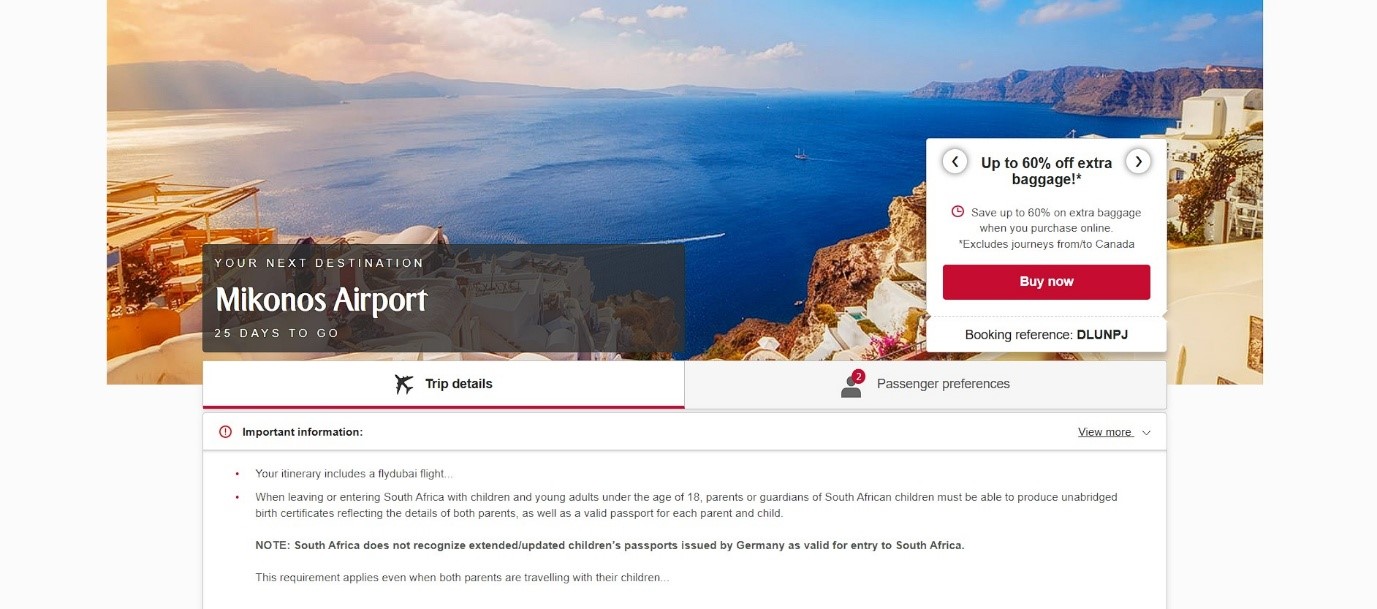
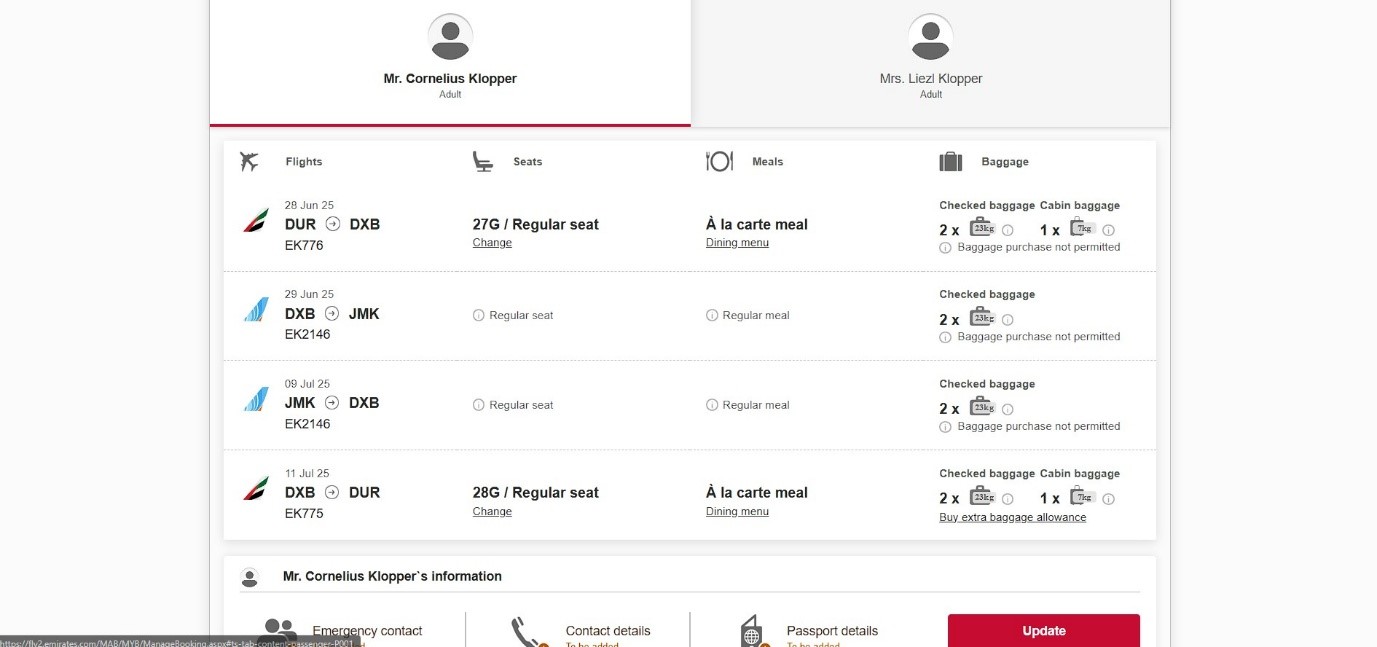
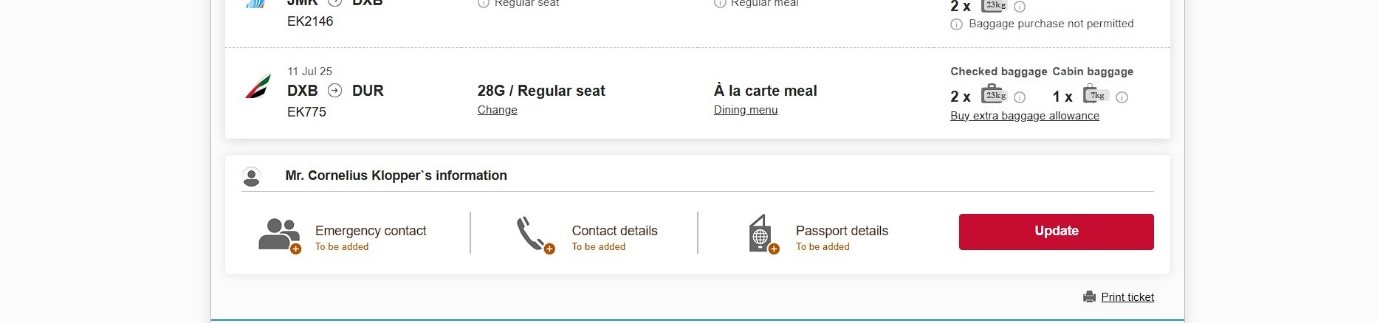
4. Select print ticket at the bottom right side of the screen
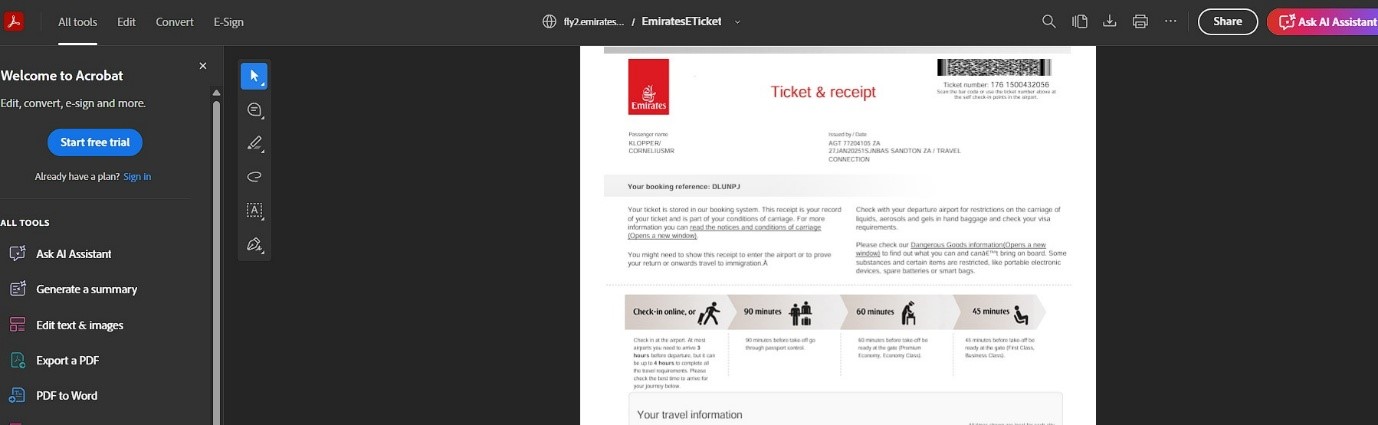
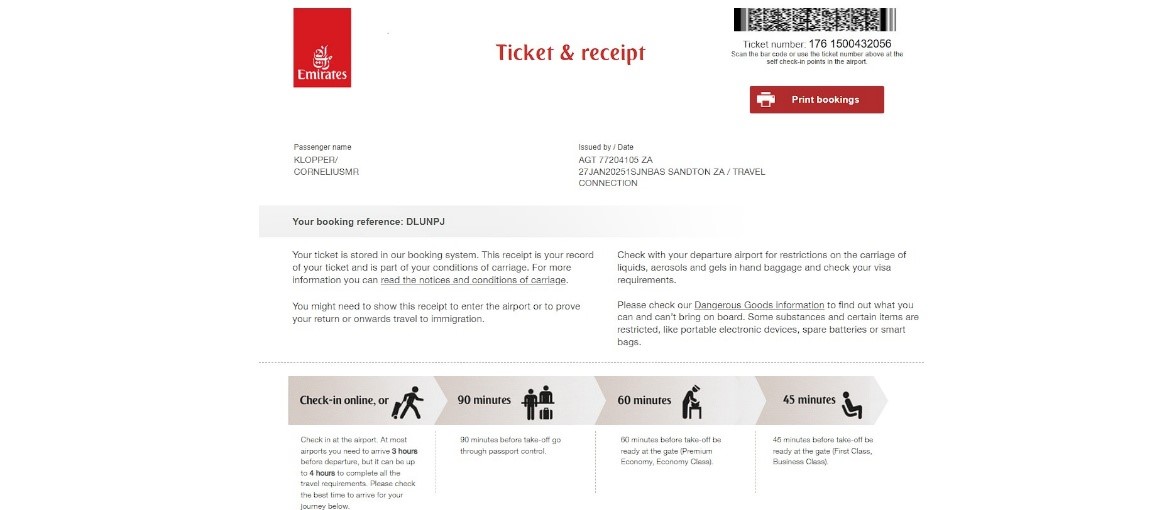
5. Click the download symbol at the top right side of the screen.
To download your Emirates flight confirmation, go to the “Manage your booking” section on the Emirates website or app, enter your booking reference (PNR) and last name, and select the option to view, print, or email your itinerary. You can also download your mobile boarding pass directly to your phone or wallet.

Steps to Download Confirmation:
- Via Website: Go to Emirates Manage your booking, enter your last name and booking reference to access your flight itinerary, then select the print or download option.
- Via App: Open the Emirates App and access your booking to view and save your confirmation/boarding pass.
- Via Email: Search your inbox for the booking confirmation email sent by Emirates, which contains a PDF attachment of your e-ticket.
It is recommended to save the PDF file or a screen capture for offline access during your trip.
South Africans must apply for a visa before arriving in Dubai.
For fast, reliable processing:
🌐 www.dubaivisasouthafrica.co.za
📱 WhatsApp: 073 851 2005
📧 Email: info@dubaivisasouthafrica.co.za
Dubai Visa South Africa (Pty) Ltd — your trusted UAE visa partner.